
Cook from saved recipes
Recipes from across the web can live in one place. Save them from any site the way you save anything else, and Bredbox gives you a clean recipe view designed for actually cooking.
Save a recipe
Section titled “Save a recipe”There’s nothing special to do: save the recipe page like any other link, with the + button or the browser extension. When the page contains recipe details in a standard format (most recipe sites do), Bredbox recognizes it automatically, marks the save as a Recipe, and prepares the recipe view.
The recipe view
Section titled “The recipe view”Open a recipe save and instead of the original page you get:
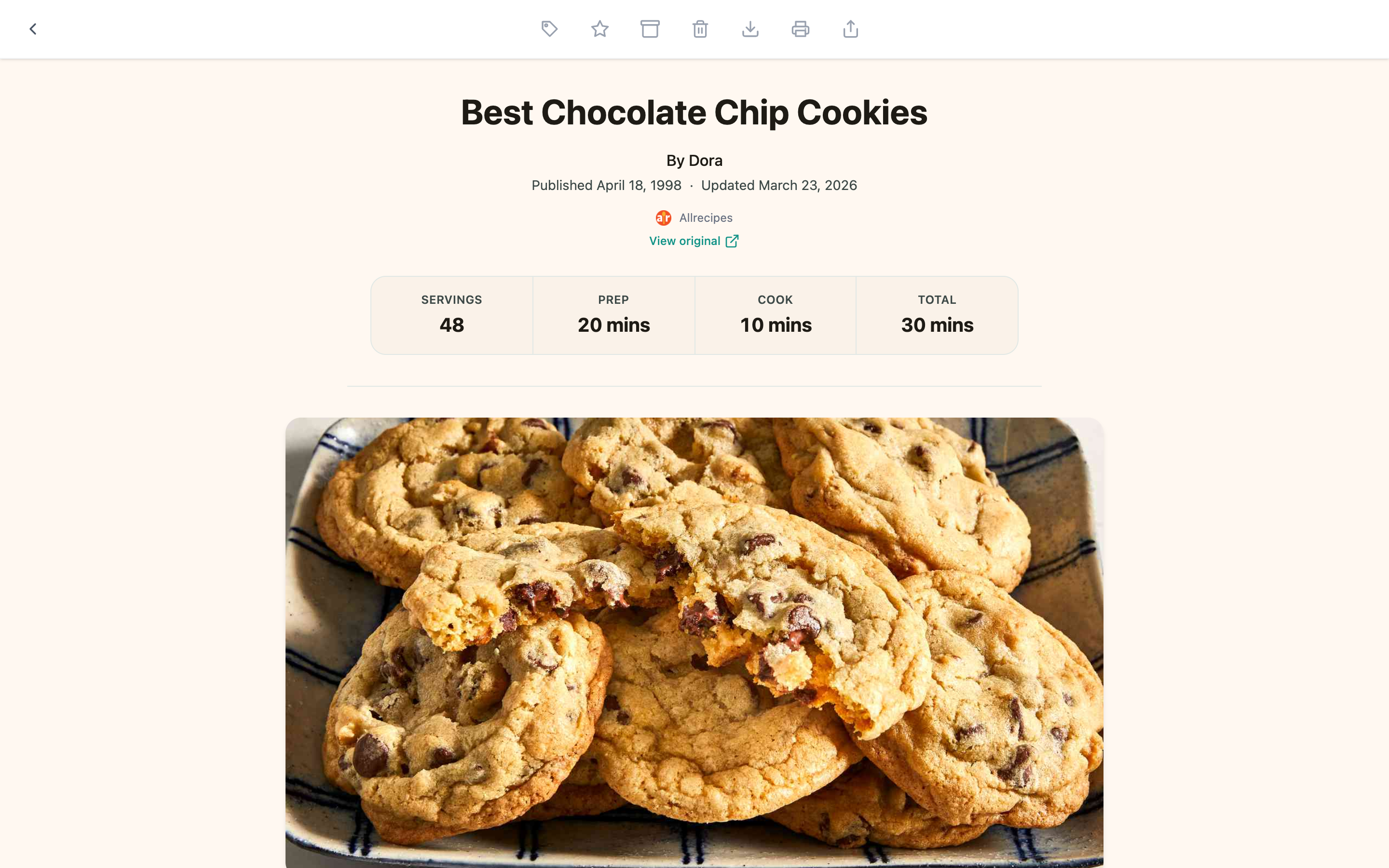
- At a glance: calories and key nutrition, when the recipe provides them.
- Servings, yield, and timing: prep, cook, and total time in one row.
- Ingredients: as a clean list, ready to shop from.
- Instructions: numbered steps with nothing between them.
No ads, no pop-ups, no video that follows you down the page. The View original link is always there if you want the source.
Find your recipes again
Section titled “Find your recipes again”- Recipes in the sidebar (or
G R) shows every save Bredbox recognized as a recipe. - Tags work beautifully for cooking:
weeknight,thanksgiving,chicken,want to try. - Collections fit menus and plans (“Dinner party”, “Holiday baking”), and each recipe in a collection can carry a note (“double the sauce”).
From your phone to your kitchen
Section titled “From your phone to your kitchen”Your library is the same everywhere you’re signed in. Save a recipe from your laptop at lunch, pull up your shopping list from the ingredients on your phone at the store, and prop up a tablet in the kitchen with the recipe view open: no emailing links to yourself.
Want a copy that lives outside Bredbox? Recipes support download and print just like articles: a printed recipe card is one click away.
If a recipe isn’t recognized
Section titled “If a recipe isn’t recognized”Some sites don’t publish their recipes in a standard format. The save still works: it just opens as a regular page or article instead of the recipe view. You can tag it recipe yourself so it stays with the rest of your collection.