
Delete and restore saves
Deleting in Bredbox is designed to be safe. Nothing disappears the moment you click Delete: the save moves to Trash first, and you have 30 days to bring it back.
Move a save to Trash
Section titled “Move a save to Trash”- Open the save’s ⋯ options menu.
- Choose Delete.
- Bredbox confirms with “Save moved to Trash.”
The save leaves your library views, search results, tags, and collections, but it is not gone.
You can also delete a whole batch at once: see Select multiple saves.
Restore a save from Trash
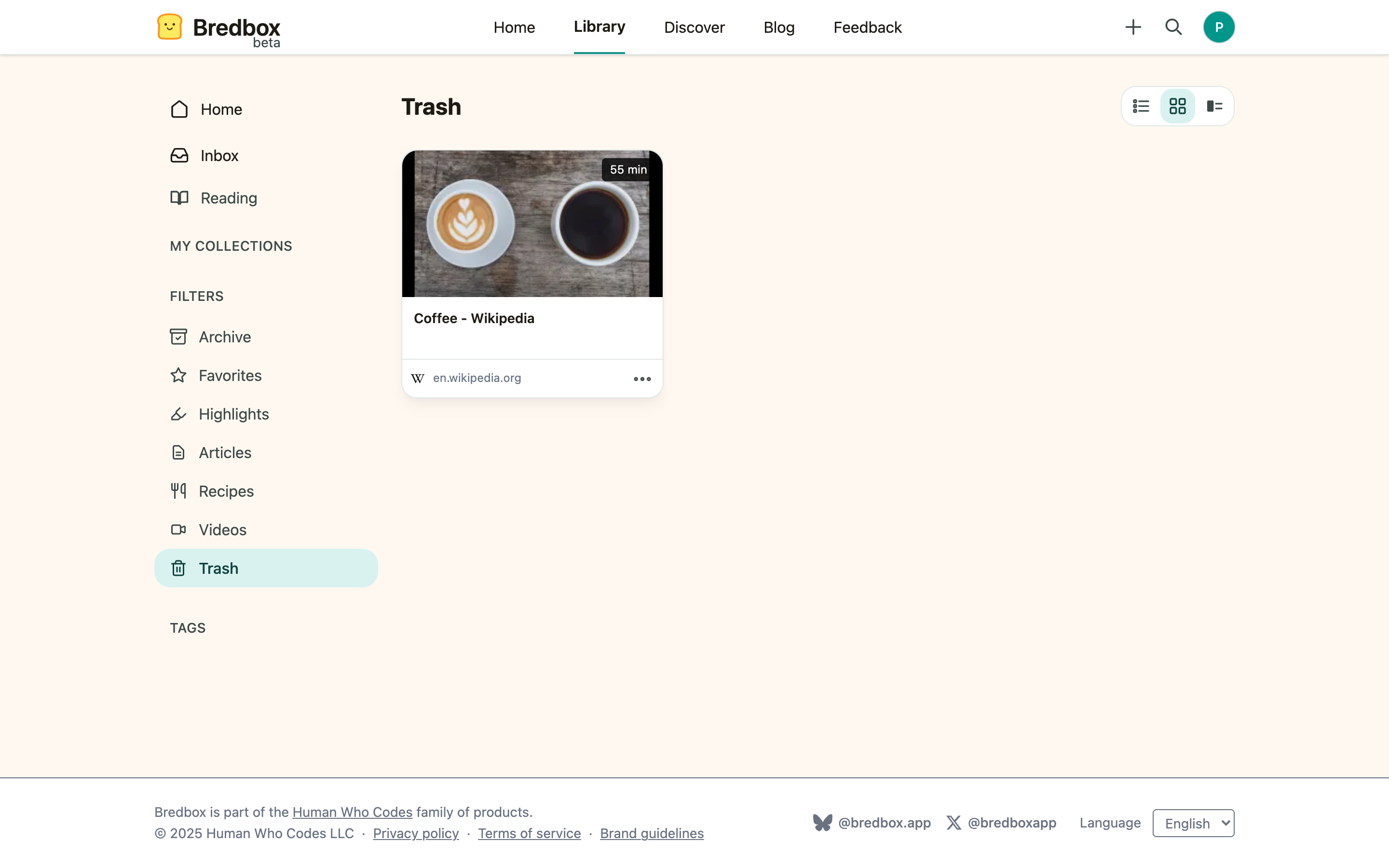
Section titled “Restore a save from Trash”- Open Trash in the sidebar, under Filters.
- Find the save and choose Restore.
- The save returns to wherever it lived before: your Inbox, or Archive if it was archived.
Re-saving the same URL also restores a trashed save, so if you ever save a link again after deleting it, Bredbox quietly brings the original back rather than starting over.
Delete a save permanently
Section titled “Delete a save permanently”If you want a save gone before the 30 days are up:
- Open Trash in the sidebar.
- Choose Delete now on the save.
- Confirm in the dialog.
Permanent deletion cannot be undone.
What happens after 30 days
Section titled “What happens after 30 days”Saves that sit in Trash for 30 days are removed automatically, along with their highlights and reading progress. If there’s anything in an old save you want to keep, restore it, or export your data first.